DiagnosisSSD & RAM upgradesBattery replacementMacBook keyboard + backlight swapsClean & thermal pasteSecure setupNetwork diagnosisWindows · macOS · Linux
whosohw

Computer repair, upgrades & security.

Laptops, desktops and Macs — Windows, macOS, Linux. Drop it off, or I come to you.

What I do
Repair & upgrades

What I do

Diagnosis

04
  • Hardware and software health check
  • Find the fault — and the cause
  • What the machine is, and the most it can become
  • Honest verdict: fix it or retire it

Upgrades

03
  • SSD swap
  • RAM to the maximum
  • CPU and power supply on desktops

Repairs

05
  • Battery replacement
  • MacBook Air & Pro keyboard + backlight swaps
  • Broken part replacement
  • Motherboard and component testing
  • Windows, macOS & Linux installs and reinstalls

Clean & cool

02
  • Full internal clean — dust out, fans checked
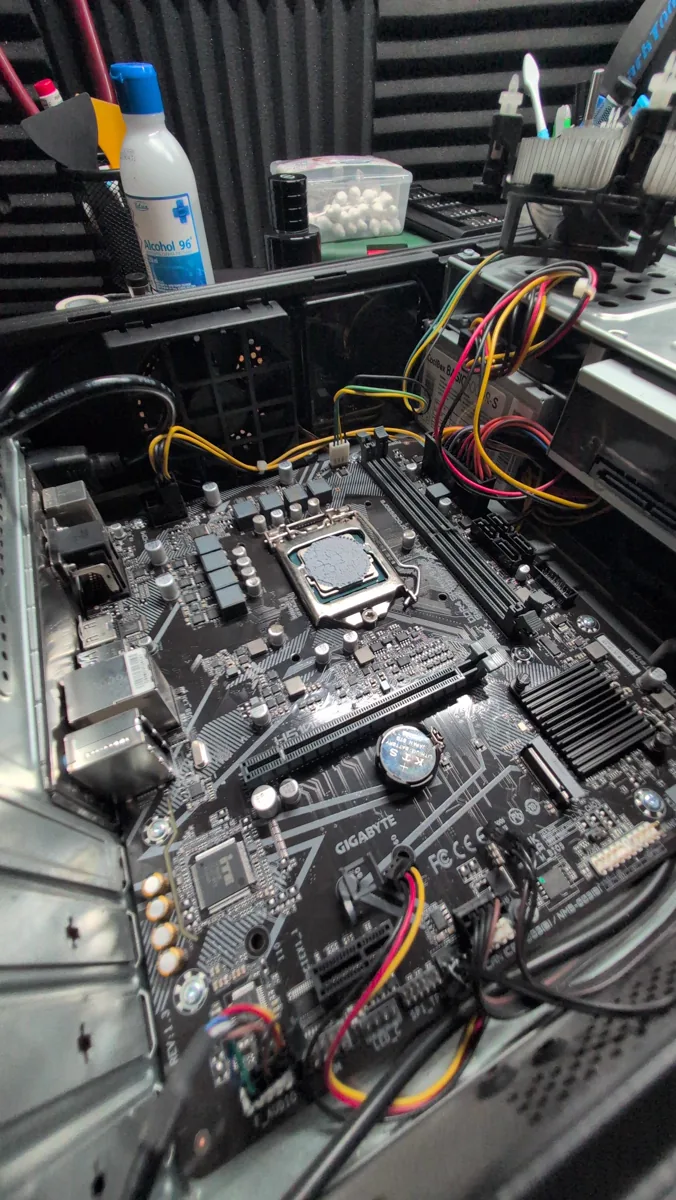
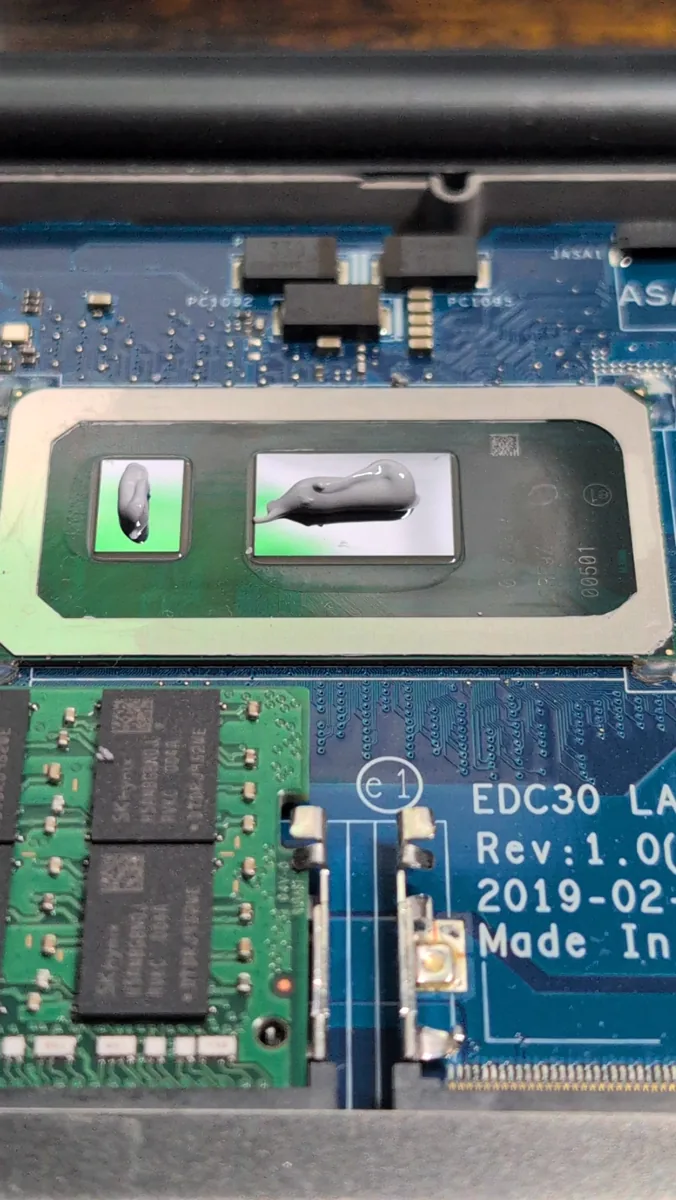
  • Fresh thermal paste on CPU and GPU
Examples

Start to finish.

All of them now run Linux: fully updated, fans and temperatures under control, tuned for the longest battery life — and they feel new and quick.

Finished
Finished
Laptop · rebuild

MacBook Air 13″ (Early 2015)

Specs
A1466 · Intel Core i5-5250U · 4 GB RAM · Intel HD Graphics 6000
Before
Spanish keyboard, old battery, and a macOS too old to get security updates.
Done
  • Stripped down completely and deep-cleaned — every port included
  • Spanish keyboard swapped for a brand-new UK one, with a new backlight
  • New battery
  • Fresh thermal paste on the CPU
Set up
Linux
Why
The newest macOS this Mac can run no longer gets security updates. Linux does — and it’s built with privacy and security in mind.
New UK keyboard
New UK keyboard
Old Spanish keyboard + new backlight
New battery going in
Fan and heatsink, cleaned
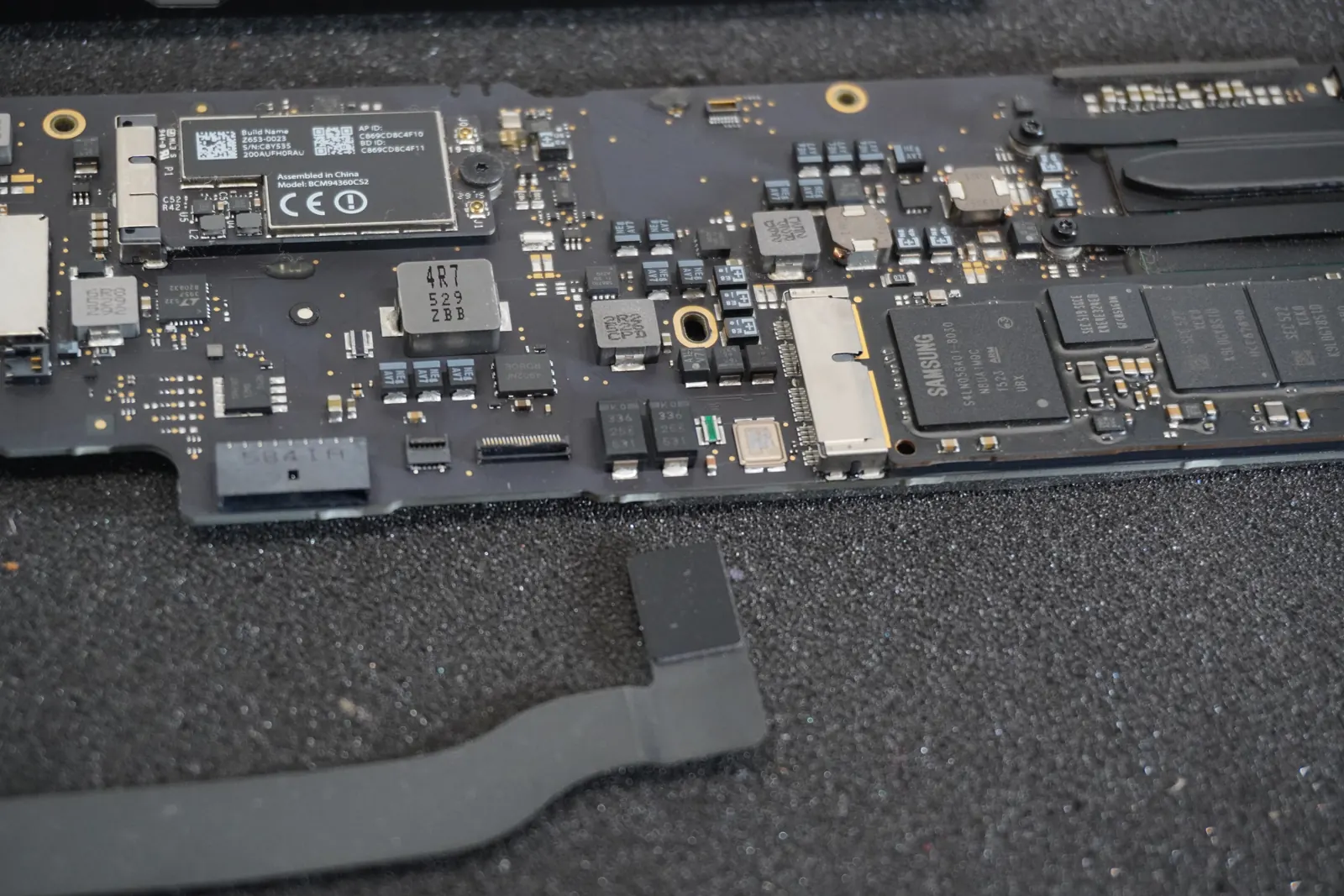
Logic board, cleaned
Stripped and deep-cleaned
Inside, after the makeover
Laptop · rescue

MacBook Pro 13″ (Late 2011)

Specs
A1278 · 16 GB RAM · 500 GB SSD
Before
A swollen battery had cracked the trackpad. Outdated macOS, 4 GB RAM and a slow 240 GB hard drive.
Done
  • Swollen battery removed — new battery fitted
  • Cracked trackpad replaced
  • RAM upgraded from 4 GB to 16 GB
  • 240 GB hard drive swapped for a 500 GB SSD
  • Stripped down and cleaned throughout
  • Fresh thermal paste on the CPU
Set up
Linux
Why
This Mac’s last macOS stopped getting updates years ago. Linux is current and secure — and with 16 GB and an SSD, it flies.
Logic board and RAM
Logic board and RAM
Memory, close up
Memory, close up
Keyboard
Keyboard
Starting up
Starting up
Inside
Inside
Laptop · refresh

MacBook Air 13″ (Mid 2011)

Specs
A1369 · 4 GB RAM
Before
Working fine — just older, with 4 GB RAM and a macOS long out of date.
Done
  • Fresh thermal paste on the CPU
  • Up-to-date system installed and tuned
Set up
Linux
Why
A modern, secure system that stays light on 4 GB — so an older Air keeps going.
Logic board and Wi-Fi card
Fan and heatsink
Fan and heatsink
Security & networking

Set up to be safe — and taught how to stay that way.

For home and small office.

Secure setup
  • Telemetry and data collection turned down to the minimum
  • Firewall configured and checked
  • Updates, backups and accounts set up properly
  • Bloat and unneeded software removed
  • Sensible privacy defaults for browser and system
Safe online use
  • How to spot scams, phishing and fake support calls
  • Passwords, password managers and two-factor login
  • Safe browsing, downloads and email habits
  • In plain language, at your pace
Network diagnosis
  • Slow or dropping Wi-Fi — find the real cause
  • Router settings checked and secured
  • Who and what is on your network
  • Wired and wireless setup
Companies I believe in

Privacy you can actually use.

The services I use myself and recommend — built to protect you, not to profit from your data.

Plain links — no affiliate codes.
Contact

Send a request.

Pick what it’s about, fill in the details, and I’ll reply by email.

What’s it about?